AIMama is a Lapland UAS project, built with the Rovaniemi Local Heritage Museum (Totto ry).

AIMama is a Lapland UAS project, built with the Rovaniemi Local Heritage Museum (Totto ry).
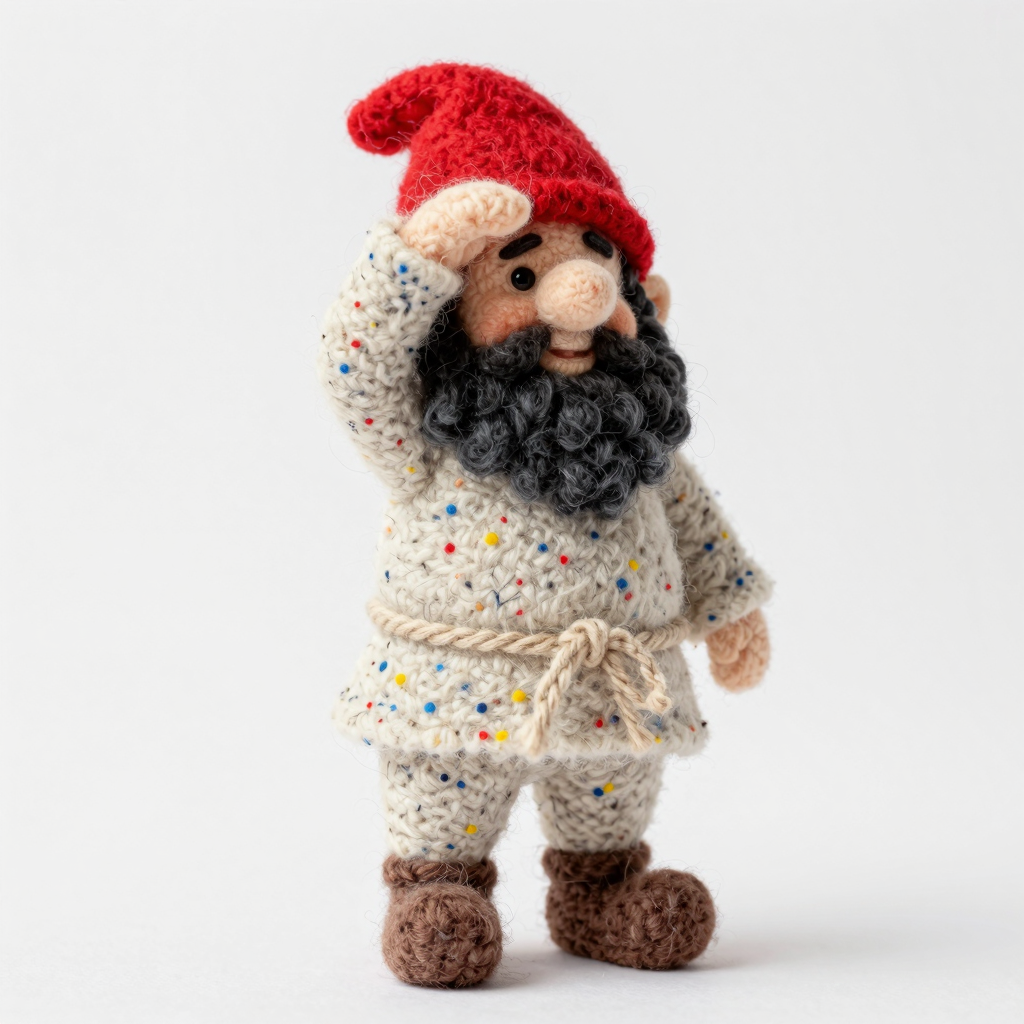
3D-models and 360-degree panoramic lit environments, built from photographs and AI-generated stills with tools anyone can rent: three felt gnomes — one of them rigged and animated — plus the museum's kettle and the main building of the estate. Drag them through the worlds, or put any one of them on your own floor in AR. No 3D artist, no studio, no app; the pipeline around them is code, including the places where the tools stop working.
 ✋ Drag the model · drag the sky to look
Loading the model…
First load can take a moment on mobile dataDrag the model to move it around the scene · drag the background to orbit · pinch or scroll to zoom. Switch the world and the model, pick a walk / run / dance / wave clip for the rigged gnome, tap Fullscreen for the big picture, then take it into your room in AR below.
Two files, one tap: Android Chrome opens WebXR AR (with Google
Scene Viewer as fallback) from a .glb, and iOS Safari hands off to
AR Quick Look with a .usdz — so you can place the selected model, at
true scale, on your own floor. Spin the preview, then tap
View in your space.
The AR copies are rebuilt from the originals for phones: about a tenth of the triangles, real-world size in metres with the feet on the floor, and a single animation clip — because Scene Viewer and Quick Look both take exactly one looping clip per file. So every clip has its own AR copy: pick Walk / Run / Dance / Wave above and the AR copy and the AR QR follow it, and the phone's AR page carries the same four-way picker.
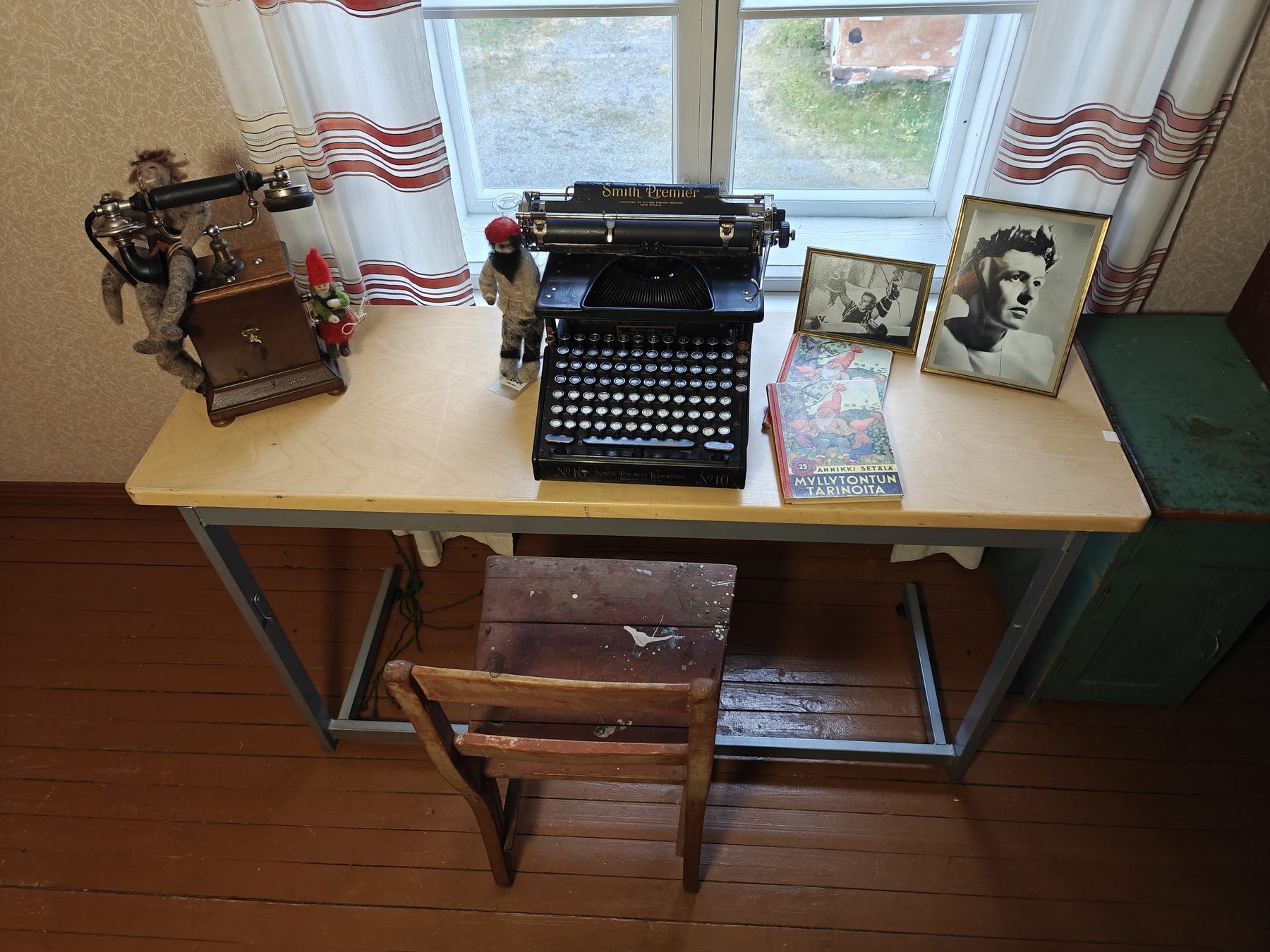
In 1925 Annikki Setälä and her husband Jarl Sundqvist moved into Pöykkölä, the house Kemi Oy kept for its foresters — today the Rovaniemi local heritage museum. Upstairs, in the room still called Annikin kamari, her desk is set out as a working desk of the 1940s would be: a typewriter, a wooden telephone, two photographs and a few gnomes. Hover an object — or tap it on a phone — to open it.
Object notes are drawn from the museum's own pages, the typewriter's production records and Annikki Setälä's bibliography. Where the room is silent, we say so instead of filling it in.
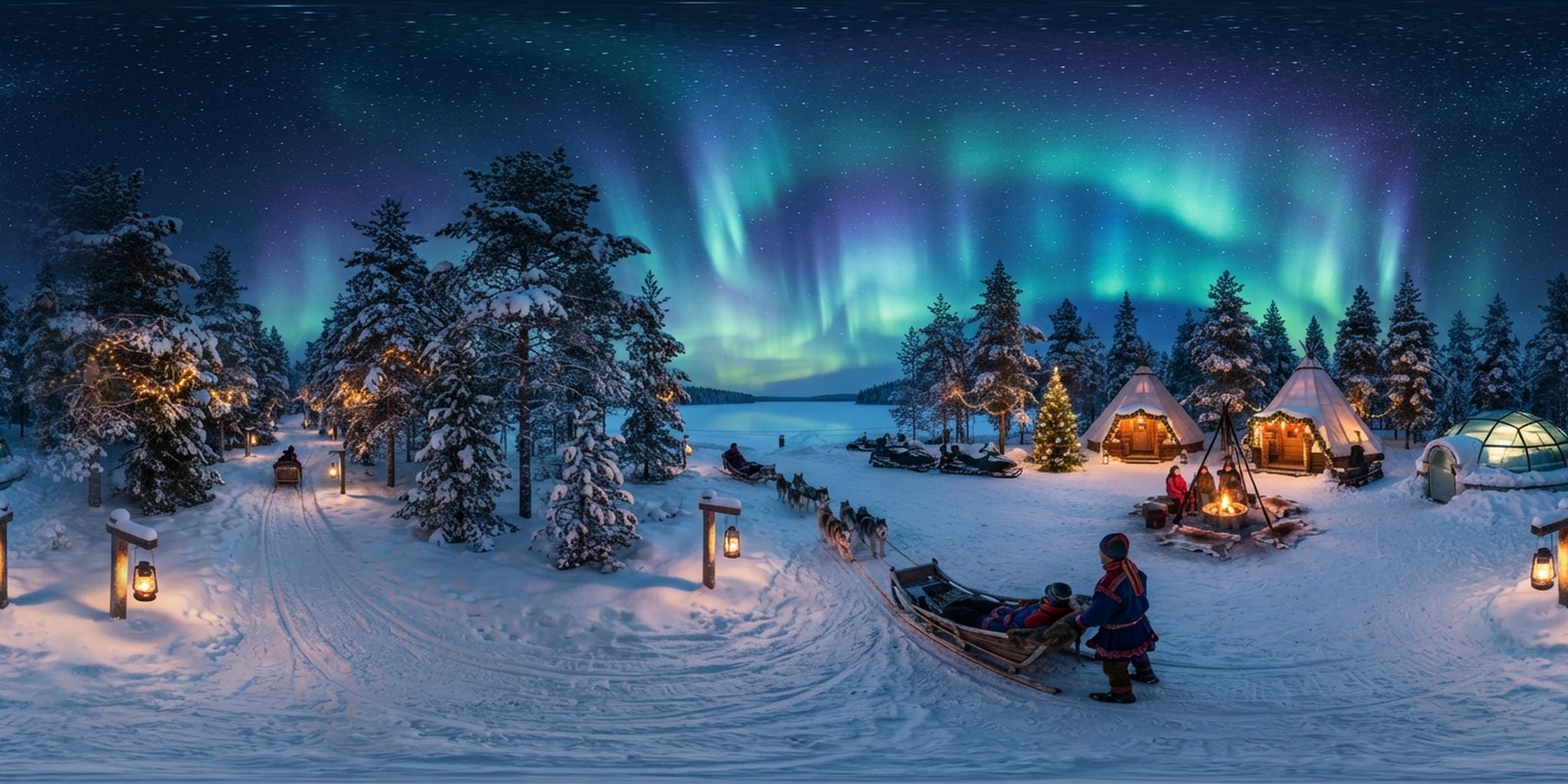
Drag to look around — four 360° worlds, each out-painted from a photograph of the estate with Nano Banana and turned into real HDR environment maps that light the tonttu in the main view above. Pinch or scroll to zoom, and tap Fullscreen to step inside.
 Drag to look around · 360°
No framework, no build step — a static page that GitHub Pages can serve and that degrades cleanly when a CDN, a GPU or an AR runtime is missing.
xr-environment real-world lighting), falls back to
Google Scene Viewer, and iOS Safari hands off to Quick Look. Swap
ar-modes to reorder.OPAQUE material, one mesh, no animations,
and is ~1 m tall and centred at the origin so ar-placement="floor" grounds
it. The clips stay in the Three.js scene because Scene Viewer rejects a file with more than
one animation..hdr environment map (built from the panorama by
tools/pano_to_envlight.py) that lights the character through Three.js’ PMREM
prefilter — so the tonttu picks up the colours of wherever it stands. The
Scene HDR / Studio switch swaps that for a neutral light rig; the
the world switch swaps the backdrop and its lighting together.F), so the tonttu fills a phone in
landscape and a projector in a demo booth alike.tools/optimize_glb_textures.py re-packed them to 1.5 and 2.3 MB. The 3D
environment viewer imports Three.js only when it scrolls into view, and prefetching is
skipped on saveData / 2G connections.model-viewer
or Three.js fails to load, a poster / static panorama takes over; if AR cannot start, the page
explains exactly why — HTTPS, ARCore, or an in-app browser — instead of failing silently.ar.html?m=… for whichever model is on screen — a page
with nothing on it but that model and the AR button — so a phone skips the 360° scene and
the 30 MB rig and goes straight to AR. Because Scene Viewer and Quick Look each play
only the first animation in a file, each of the gnome's four clips is its own AR file;
the code adds &c=Dance (or Walk / Run / Wave) and the phone's AR page has
the same four-way picker, so no clip is a second-class citizen. The nav QR button
still does the whole page, and on phones a sticky AR bar follows you down the page.aria-pressed state on every toggle, visible focus rings, 44 px touch
targets, safe-area insets for notched phones, and full
prefers-reduced-motion support.Point your phone camera at the code, then tap View in your space on the page that opens.